
Poker Tournament Management App
Run Poker Tournaments Like a Pro!
From First Hand to Final Table
Seat draws, table balancing, the clock, payouts and league standings: Shuffle Up and Deal! runs the whole night from your iPhone or iPad.

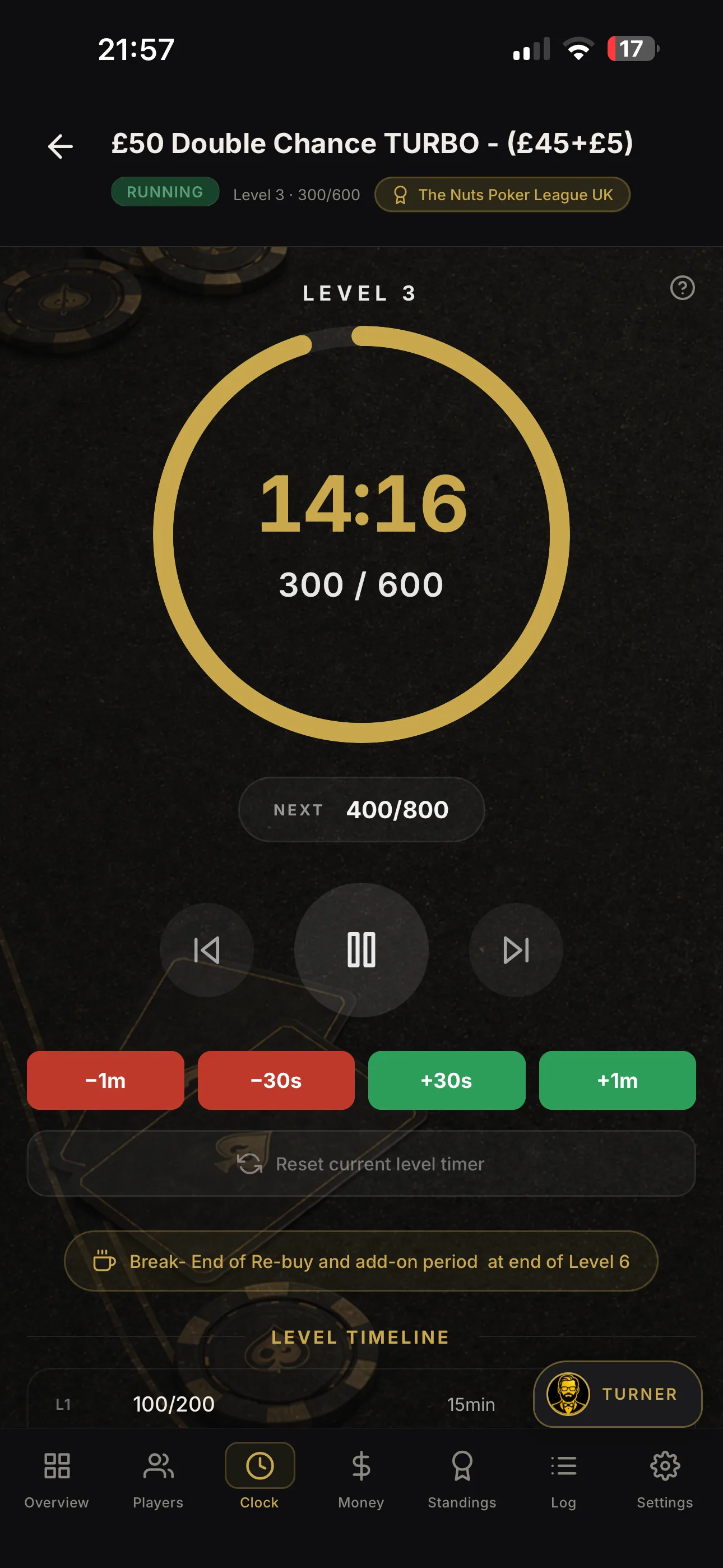

Late registration poker: setting up cutoff windows in your app
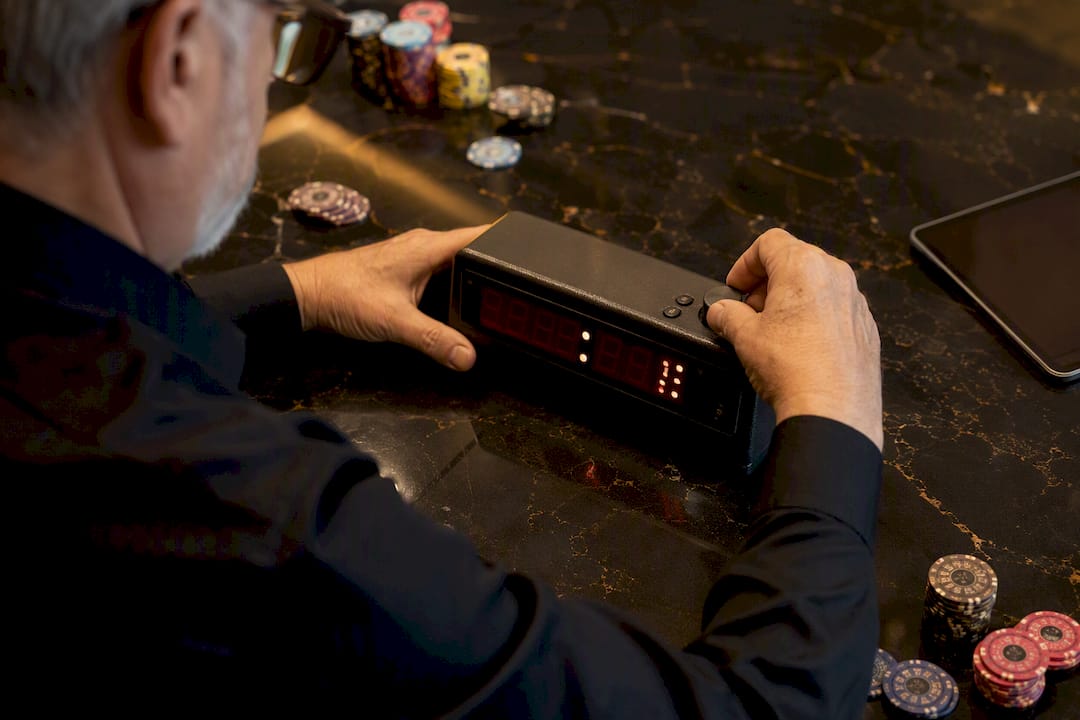
Late registration is the app-controlled period after the first hand is dealt when new players can still buy in, measured in minutes or blind levels. Set a definitive cutoff, decide whether latecomers get a full stack or a penalty, and publish both on the structure sheet before you open the doors.
Do this before your next event:
- Pick a measurement method: minutes (simple, works for online and live) or blind levels (keeps entries aligned to the play phase).
- Set the window length: 60–120 minutes is standard for online events, while live tournaments commonly run the first 3–5 levels.
- Decide the stack rule: full nominal stack, or a flat/per-minute penalty deducted at entry.
- Configure it once, properly: Shuffle Up and Deal! lets you set cutoff type, starting stack and penalty logic together, so the numbers stay consistent from registration to first shuffle.
Key Takeaways
A well-run late-registration window needs a clearly defined cutoff, a published penalty rule, and app settings tested before the first entrant walks in.
| Point | Details |
|---|---|
| Choose your cutoff type first | Decide between time-based and level-based measurement before setting duration or penalties. |
| Match window length to event type | Use shorter windows (15–30 minutes) for turbos and longer ones (90–120 minutes) for large-field guarantee events. |
| Publish exact structure-sheet wording | State the cutoff, stack rule, and re-entry interaction explicitly to avoid floor disputes. |
| Test before you run it live | Simulate entries at multiple points to confirm penalty arithmetic and seating assignment behave correctly. |
| Configure it once in Shuffle Up and Deal! | The app lets you set cutoff type, starting stack, penalties, and re-entry rules together, then reuse the preset across events. |
Table of Contents
- What this guide covers (and what it doesn’t)
- Why late registration is a strategic lever for event design
- Every app setting a tournament director must consider
- Practical default windows by event type
- How to publish the rule and enforce it at cutoff
- Configuring and testing late registration in Shuffle Up and Deal!
- Metrics to watch and how to review afterwards
- Let Shuffle Up and Deal! handle the late-reg clock for you
- Links and resources for configuring late registration
- Frequently asked questions
- Sources
What this guide covers (and what it doesn’t)
This is a guide to late registration as a tournament-management setting: cutoff rules, starting stacks, penalties, and how they interact with re-entry. It has nothing to do with the player-side debate about whether entering late is a smart strategic move. If you’re configuring an app rather than plotting a seat, you’re in the right place.
Why late registration is a strategic lever for event design
Every late-registration window is a trade-off, and pretending otherwise leads to structures that fight themselves. A longer window pulls in more entries, which grows the prize pool and makes your guarantee easier to hit. It also means more players arrive at higher blind levels, holding a full starting stack that’s worth fewer big blinds than it was an hour earlier.
That’s the mechanic worth internalising: a player entering at level 1 with 20,000 chips might have 100 big blinds; the same 20,000 chips at level 5 could be 40 big blinds or less, depending on your structure. Effective stack depth shrinks even though the entrant’s chip count never changes.
This is why late registration functions as a genuine strategic lever rather than a convenience setting. Consider what it actually controls:
- Prize pool size and guarantee coverage
- Average stack depth across the field once registration closes
- Early-game pace, since shallower late stacks tend to play faster and bust quicker
- Player trust, since an inconsistently enforced window feels arbitrary rather than professional
None of this matters if the rule isn’t written down. Publishing the exact window and any penalty on the structure sheet, a practice experts consistently flag as essential, removes the ambiguity that causes floor disputes.
Every app setting a tournament director must consider
Most tournament-management apps expose a similar cluster of settings, and getting them to work together is where directors usually stumble. Here’s what you’re actually configuring:
- Cutoff type: time-based (simple to explain, works for online and live) versus level-based (keeps registration tied to structure phase, better for live events where levels run long or short unpredictably).
- Duration: expressed in minutes or number of levels, depending on cutoff type.
- Starting stack for late entrants: full nominal stack, or a reduced amount.
- Late penalty: server-level implementations typically offer a flat deduction or a per-minute deduction, rounded up from the moment the first hand was dealt.
- Re-entry interaction: late registration and re-entry are separate levers. You can run a freezeout that permits late entry but forbids re-entry after a bust, or allow both simultaneously.
- Seat assignment: whether late arrivals fill existing short-handed tables or trigger a new table opening.
- Missed-blind handling: whether a late entrant posts the big blind immediately, waits for their natural button, or pays a make-up fee.
- Maximum entries cap: a ceiling that, if set carelessly, can trigger payout calculations before your window actually closes.
Typical values by event type: a home game might run 30 minutes or a single level; a regular club MTT often uses 60 minutes or the first 3 levels; a large-field festival event frequently extends to 90–120 minutes or the first 3–5 levels.
Pro Tip: Check how your app’s maximum-entry cap and payout logic interact before the window opens. Some platforms calculate payout tiers off the current entry count in real time, and a cap set too close to your expected field can lock out registrants your guarantee actually needs.
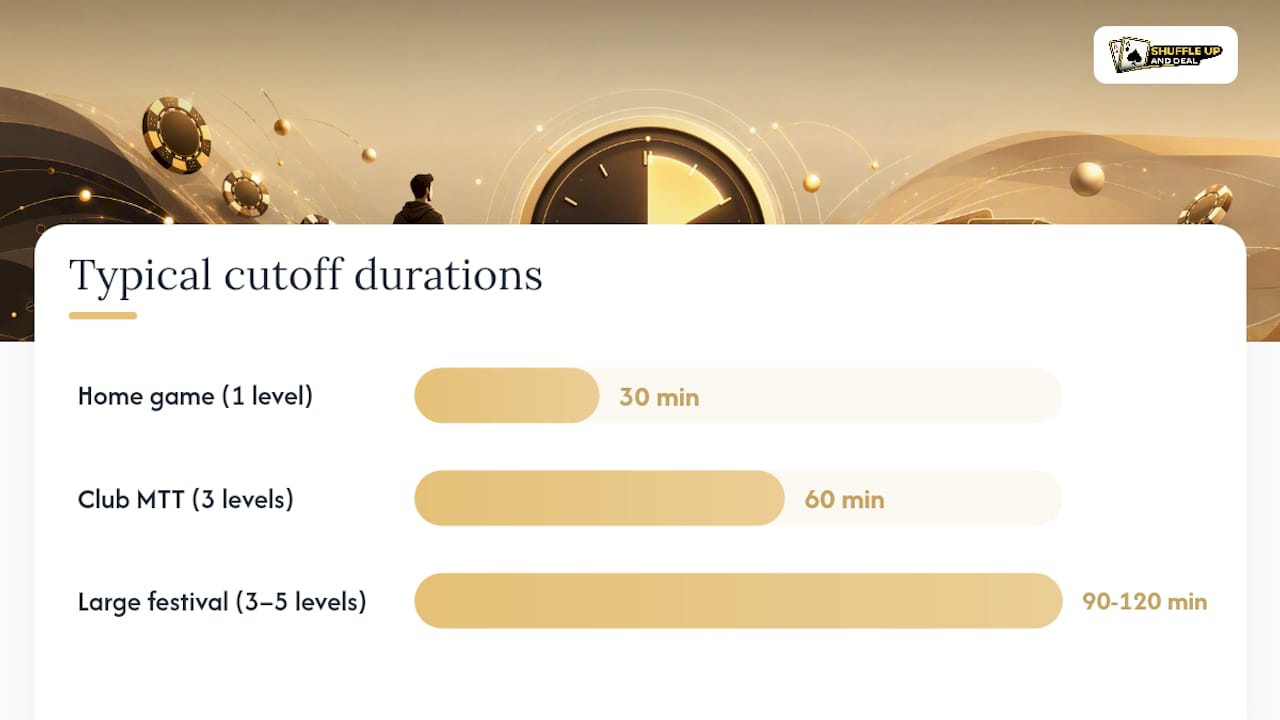
Practical default windows by event type
If you’re staring at a blank settings screen, start here rather than guessing:
- Home game: 30 minutes or 1 level. Small fields don’t need long windows, and a tight cutoff keeps the night moving.
- Regular club MTT: 60 minutes or the first 3 levels. Long enough to catch stragglers, short enough that stack depth doesn’t collapse before the bubble even forms.
- Turbo or hyper-turbo: 15–30 minutes. Fast structures punish long windows severely, since blinds are already eating stacks quickly.
- Large-field festival or guarantee event: 90–120 minutes or the first 3–5 levels. Growing the field matters more here, and a deep starting stack absorbs the extra levels reasonably well.
Choose minutes when your event runs online or when level lengths vary session to session. Choose levels when you’re running a live structure with fixed level durations and want registration tied directly to the play phase, not the clock.
If turnout is genuinely unpredictable, default conservative. A shorter window you extend on the fly reads as generous; a long window you’re forced to cut short reads as chaotic.
How to publish the rule and enforce it at cutoff
Vague wording is where most late-registration disputes start. Use language your floor staff can quote verbatim:
- Time-based: “Late registration closes 90 minutes after the first hand is dealt. Entries after this point will not be accepted. No re-entry after elimination.”
- Level-based: “Late registration remains open through the end of level 4. Entrants after level 3 begin with a starting stack reduced by 10% per elapsed level.”
- Mixed with re-entry: “Late registration and re-entry both close at the start of level 5. Players eliminated before this point may re-enter once.”
On the floor, run this checklist at every cutoff:
- Announce the closing time or level at least two intervals beforehand.
- Verify the live clock and app registration status match before locking entries.
- Log the final entrant’s timestamp for dispute records.
- Rebalance tables immediately once registration closes, not after the next break.
- Record any no-shows and confirm missed-blind rules were applied consistently.
External displays should show the countdown to cutoff, not just the current blind level; the registration desk should log every late entry with a timestamp for later reconciliation.
Configuring and testing late registration in Shuffle Up and Deal!
Setting up the window inside Shuffle Up and Deal! takes a handful of steps, and they’re worth running through carefully before your first live event:
- Open your tournament’s setup screen and locate the registration controls alongside blind-level configuration.
- Choose your cutoff type: minutes or blind level, matching the preset that fits your event.
- Set the starting stack for late entrants and, if you’re applying one, the penalty amount or percentage.
- Configure re-entry rules separately, since the app treats late registration and re-entry as independent settings.
- Confirm the live tournament clock reflects your cutoff so floor staff and players see the same countdown.
Before the doors open on a real event, run through this test list:
- Simulate entries at several different minutes and levels to confirm the app closes registration exactly when expected.
- Check the penalty arithmetic against your published rule, particularly if you’re using a per-minute deduction.
- Confirm the smart seating algorithm assigns late arrivals correctly and triggers table balancing as intended.
- Verify entry counts update live, and that your share link reflects the correct field size for spectators.
Pro Tip: Run a dry event with a handful of test entrants a day before the real one. It’s the fastest way to catch a misconfigured cutoff before it embarrasses you in front of a full field.
Metrics to watch and how to review afterwards
Once the event is running, a handful of numbers tell you whether your window did its job: total late entries, what percentage of the field they represent, average starting big blinds at the point of entry, and how many table-balancing events the late arrivals triggered.
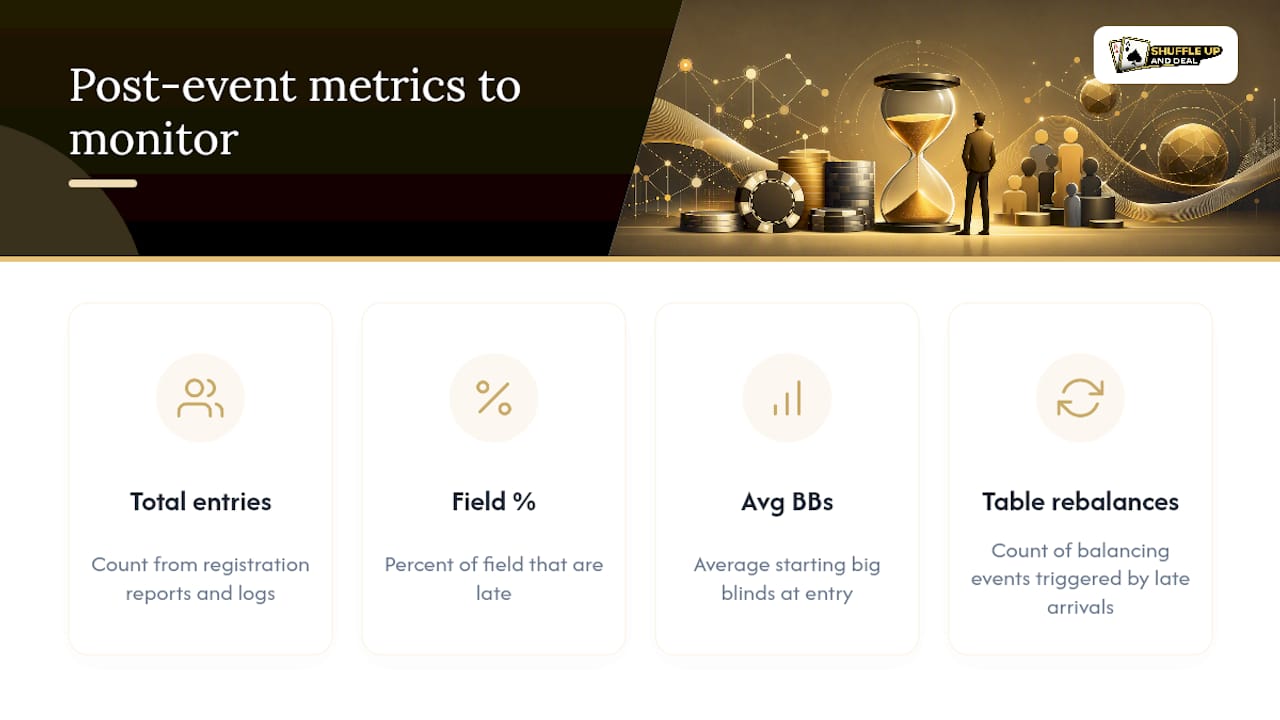
After the event, compare forecast entries against actual, check for any fairness complaints logged at the desk, and confirm payout calculations reflected the final field size correctly. Your app’s registration reports and logs, drawn from the same platform controls that manage blind progression and table balancing, give you the raw numbers to decide whether next time needs a longer window, a shorter one, or no change at all.
A note on keeping the rule the same every time
The events that run smoothest aren’t the ones with the cleverest late-reg rule. They’re the ones where the rule never changes mid-series, so players stop asking about it and start trusting it. Test your settings once, properly, and leave them alone.
Let Shuffle Up and Deal! handle the late-reg clock for you
Configuring late registration by hand across time-based cutoffs, penalty arithmetic and re-entry logic is exactly the kind of detail that goes wrong under pressure at a busy card room. Shuffle Up and Deal! is built to make that configuration a five-minute job rather than a spreadsheet exercise: set your cutoff by minutes or blind level, apply flat or per-minute penalties automatically, and let the smart seating algorithm slot late arrivals into the right table without you touching a seating chart by hand.

The live tournament clock keeps your published window visible to players and floor staff simultaneously, and share links let remote entrants track registration status without calling the desk. If you’re running a regular series, the same presets carry across events, so you’re never reconfiguring from scratch. Head to the Shuffle Up and Deal! tournament app to set up your first late-registration window on the free plan and see how the settings feel in practice before your next event.
Links and resources for configuring late registration
A handful of resources are worth bookmarking as you build out your own late-registration presets. For the underlying mechanics and terminology, the late registration glossary entry covers common windows and how they interact with re-entry. For the exact field-level detail behind penalty rounding and caps, the server documentation on tournament settings is worth a read if you want to understand precisely how a per-minute deduction gets calculated.
On the Shuffle Up and Deal! side, the tournament guides and articles hub has more on structure-sheet phrasing, and the seating chart display guide is useful if you’re deciding what to show on external screens as late entries arrive. For a sense of how different venues publish their own tournament windows and rules, Q Billiards Arena’s tournament pages show one example of how a venue handles this in practice.
Frequently asked questions
What is late registration in a poker tournament app? It’s the app-configured period after the first hand is dealt when new players can still buy in, set as either a number of minutes or a number of blind levels.
How long should a late registration window be? It depends on format: online events typically run 60–120 minutes, live tournaments often use the first 3–5 blind levels, and turbo formats close much earlier, sometimes 15–30 minutes.
Does late registration affect re-entry rules? No, they’re independent settings. You can run a freezeout that allows late registration but blocks re-entry after a bust, or configure both together.
Should late entrants get a full starting stack? Many directors give the full nominal stack but apply a flat or per-minute penalty instead, which keeps entry fair without shrinking the actual chip count.
Where do I set late registration in Shuffle Up and Deal!? It’s in the tournament setup screen alongside blind-level configuration, where you can set cutoff type, starting stack, penalty logic, and re-entry rules together.
Sources
- Late registration defines the period after a tournament begins during which new players may enter
- Server Interface - Tournaments
- Poker tournaments - MTT system, Sit & Go and platform tournament logic | JackCode