
Poker Tournament Management App
Run Poker Tournaments Like a Pro!
From First Hand to Final Table
Seat draws, table balancing, the clock, payouts and league standings: Shuffle Up and Deal! runs the whole night from your phone or tablet.



How to Run a Poker Tournament: Part 2, Venue Setup, Registration and Seating

Welcome to the second of three guides to help make your poker game the best it can be. In part one, we covered the preparation you can do before the day. Now it’s time to get the venue ready, register your players and organise the seating draw.
This guide walks you through my setup routine, with checklists you can save for your next poker night.

Setting up your poker venue before registration opens
Here’s my checklist of equipment to have ready:
Poker tables.
Enough chairs for your planned table capacity.
Decks of cards, with spare decks available.
Card protectors or cut cards, depending on your setup.
A dealer button for each table.
All-in buttons, if you use them.
Poker chips for starting stacks, bonuses and making change.
A secure money container.
Your device running Shuffle Up and Deal! (SUAD), plus a charger.
Once I’m at the venue, the first job is to set up the tables with enough chairs for the maximum number of players at each one. Leave enough room for players to sit comfortably and move between tables.
I have five tables to set up, each with eight seats, as I play eight-handed. That’s my preference, but yours may be different. Six-handed and nine-handed games are also common, depending on the size of the tables and the space available.
Make sure your table capacity in SUAD matches the physical setup before you generate the seating draw.
What each poker table needs
A checked deck of cards.
A card protector or cut card, if used.
A dealer button.
An all-in button, if used.
It’s good practice to check every deck before each game. Count the cards and make sure you have all 52 different cards, with no jokers, duplicates or missing cards. Check for damage or marks that could make a card recognisable from the back, and replace any suspect deck.
Preparing the starting chip stacks
Next, I get the starting stacks ready. I like to have enough for all the seats available, so I’m ready however many players turn up, up to our capacity.
Count each stack carefully and keep the breakdown consistent. Preparing these before registration opens saves you trying to count chips while also taking payments and answering questions.
If you have a waiting list, you can keep some larger-denomination chips aside for any additional starting stacks needed when seats become available. Just make sure players can get change at their table without disrupting the game, and that every new stack has the correct total value.
The last thing I do before opening registration is put any early-registration bonus chips in a separate section of my secure container, so they’re ready to hand out as I register players.
If you offer a bonus, make the eligibility and cutoff time clear beforehand and apply them consistently.
Opening player registration in SUAD
I usually open registration half an hour before the game starts. By then, the tables are set up, the cards are checked and the starting stacks are ready. Now it’s time to find a comfortable seat and welcome the players.

This is where SUAD really starts to take the pressure off, helping you keep registration and seating organised while you focus on the people arriving.
Getting your tournament display ready
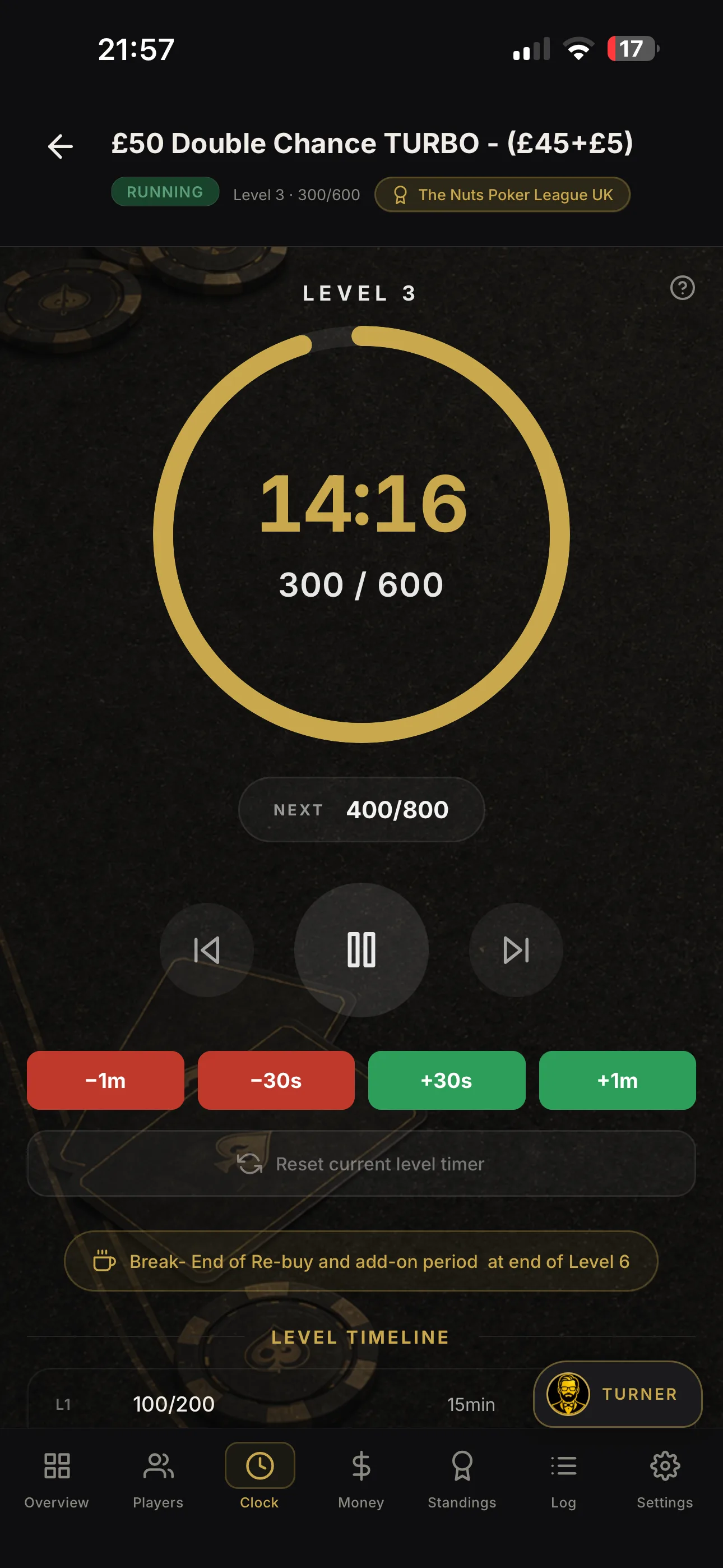
One of my favourite features is the external display. It makes a noticeable difference to the feel of the game, giving players a shared screen to check throughout the night.
From the tournament clock to the seating plan, players can see key information without having to keep asking the TD. You can even show eliminations, so the first player out might struggle to make a quiet exit!
Get your display connected and tested before the registration rush. Check that the information is readable from the tables and that your device has power for the evening.

Registering players as they arrive
As each player arrives, select their existing player record or enter their details in SUAD. Work through the registration options to record their payment status, whether they’re willing to deal and any bonuses that apply.
Keeping these details accurate now makes the seating draw and the rest of the night much easier to manage.

You can also register players before they arrive. Keep them marked as not yet present so they remain separate from the players ready to be seated. Registering someone in advance shouldn’t be confused with confirming that they’ve arrived or paid.
Before generating the seating draw, check that everyone who is actually in the venue has the correct arrival status.
Generating your poker tournament seating draw
When you select Generate Seating, SUAD takes you through a checklist so you can check the setup before assigning seats.
At this point, I think about three groups:
Players already in the venue and ready to play.
Registered players expected to arrive before the tournament starts.
Players expected to arrive after the start, during your late-registration period.
Knowing how many people you expect helps you decide how many tables to open. If you only plan around the players already standing in front of you, you may find yourself opening another table and moving people just as the game is about to begin.
Allowing room for expected arrivals
For example, with my eight-handed setup, 23 players fit across three tables, which have a total capacity of 24. But if I’m expecting 26 players, I’ll need four tables to seat everyone.
If those extra players are confirmed and arriving shortly, I plan for four tables from the outset. That gives me room for everyone without having to squeeze in extra seats or reorganise the room at the last minute.
You don’t need to open every table for players who might turn up. Use your confirmed numbers, expected arrival times and available space to make a sensible decision.
Having the venue’s tables and seat capacities entered correctly in SUAD gives you control over which tables you use for the draw.
Once you’ve generated the draw, make the seating assignments visible and give players a few minutes to find their tables. Check that everyone has the correct starting stack and that each table is ready.
Your setup and registration checklist
Tables and chairs are ready, with enough space between them.
Every deck has been checked for completeness, duplicates and damage.
Dealer buttons and other table equipment are in place.
Starting stacks are counted and ready.
Spare chips and any bonus chips are organised.
Your device is charged, with a charger available.
The external display is connected and tested, if you’re using one.
Player arrivals, payment statuses and bonuses are recorded accurately.
Table capacities in SUAD match the venue setup.
Expected arrivals have been considered before the seating draw.
Seating assignments are available for players to check.
With everyone registered and the seating sorted, you’re ready to get the cards in the air.
Next in part three: running the tournament, keeping the game moving and finishing the night. Read Part 3…