
Poker Tournament Management App
Run Poker Tournaments Like a Pro!
From First Hand to Final Table
Seat draws, table balancing, the clock, payouts and league standings: Shuffle Up and Deal! runs the whole night from your iPhone or iPad.

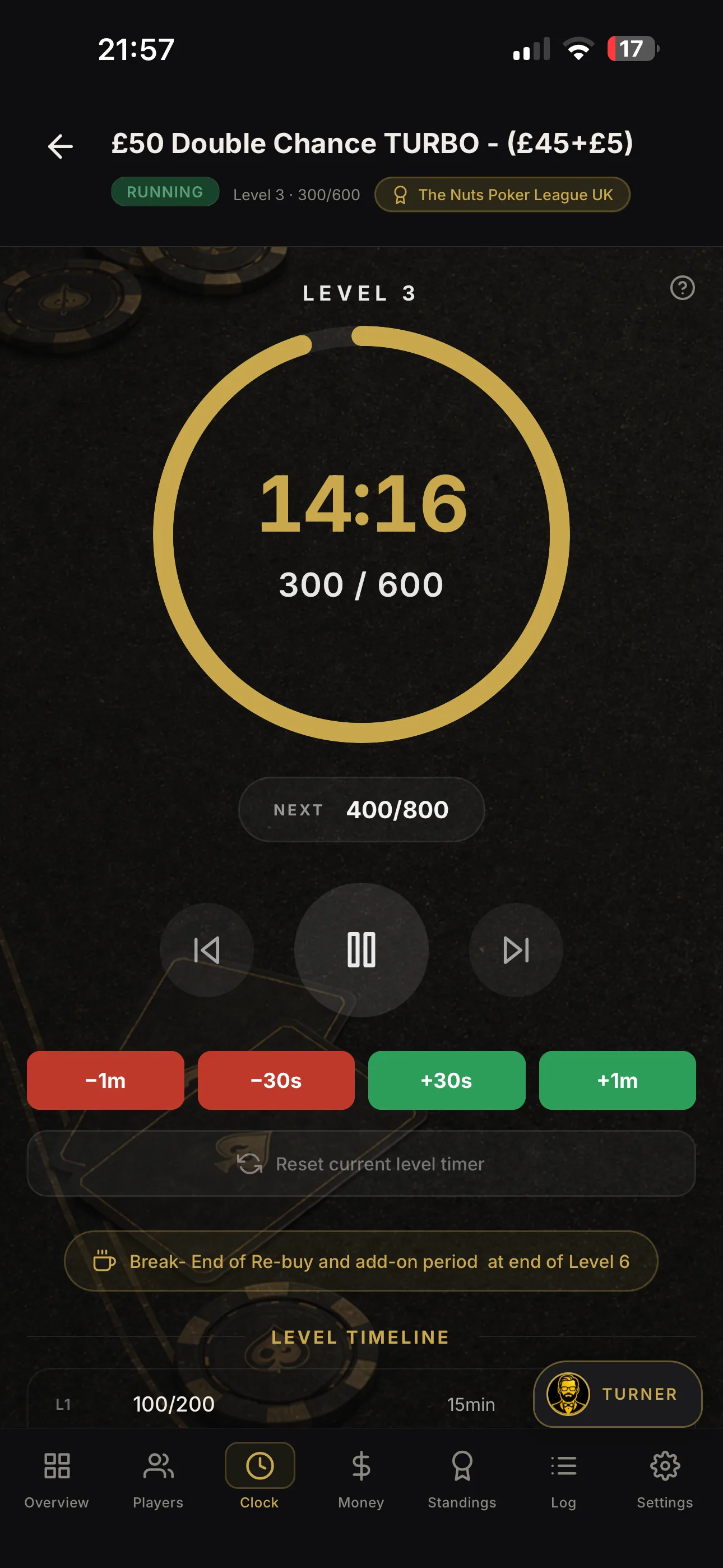

Stop No Shows With a Five Second QR Check In for Home Poker Leagues
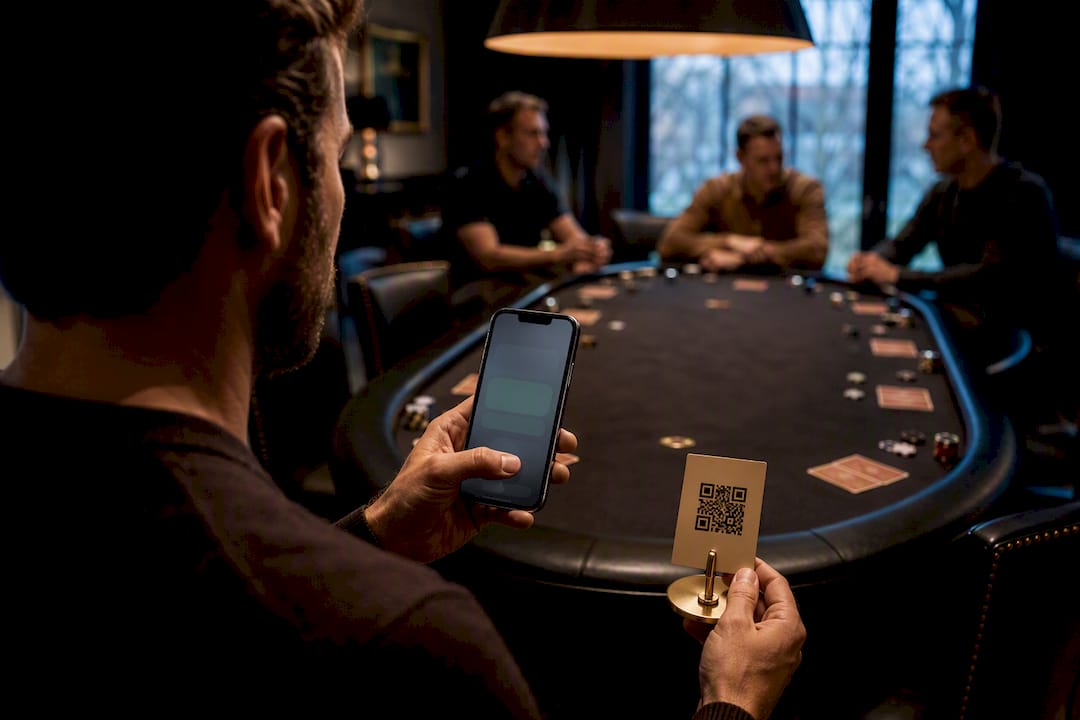
The best way to track poker league attendance is a mobile RSVP or QR check‑in paired with a centralised league tracker that updates standings the moment results go in. That combination cuts the friction that stops players confirming, and it protects your season records from the guesswork that creeps in when data lives across three spreadsheets. A tool like Shuffle Up and Deal! Bundles both halves of that workflow into one app, so you’re not stitching signup forms to a scoring sheet by hand.
TL;DR:
- Using mobile RSVP and QR check‑in tools paired with a league management app ensures real‑time updates of attendance and standings, reducing errors.
- For leagues of seven players or fewer, spreadsheets may suffice, but larger or more frequent seasons benefit from automated software to prevent manual data entry errors.
- Recording results and reconciling attendance on the night of the event is crucial to maintaining accurate records and avoiding disputes later.
- Implementing an attendance bonus and minimum participation rules discourages late joiners and encourages consistent attendance throughout the season.
- Exporting attendance reports after each event with details on turnout and check-ins is essential to keep records reliable and prevent disputes.
Table of Contents
- Spreadsheets, RSVP tools, or a full league app: which fits your poker league attendance tracking?
- How do you set up attendance tracking for a game night?
- How does attendance affect league points and standings?
- What attendance reports should you export after each event?
- Best practices for keeping attendance data trustworthy
- How Shuffle Up and Deal! covers the attendance workflow
- What actually keeps a poker league alive season after season
- Get your league running on Shuffle Up and Deal!
- Key documentation and reference pages for attendance features
- Sources
- FAQ
Spreadsheets, RSVP tools, or a full league app: which fits your poker league attendance tracking?
A spreadsheet still works for a tiny league of six or seven regulars who play the same night every fortnight. The risk shows up the moment someone forgets to update the tab after a late‑night session, or two organisers edit the same file and one version overwrites the other.
Lightweight RSVP and check‑in tools solve the friction problem directly. LeagueTrackr’s password‑less check‑in links let a player confirm attendance by SMS or email without logging in, which matters because casual poker players rarely bother downloading yet another app just to say “I’m in for Thursday”. That kind of low‑effort confirmation tends to lift RSVP completion rates simply because it removes the barrier.
Full league apps go further, adding automated points, live leaderboards, exports, and sync across every organiser’s phone or tablet. For most recurring leagues, that third tier is worth the jump once you’re tracking a season rather than a single night.
Work through this before you commit to a tool:
- League size: under 8 players, a spreadsheet can still hold; beyond that, manual entry starts costing real time.
- Reporting needs: if you need attendance history per player for prize‑pool disputes, you need software that exports it.
- Budget: free RSVP links cost nothing; full league management sits behind a modest monthly subscription.
- Time available: check‑in on the night should take seconds, not minutes, per player.
How do you set up attendance tracking for a game night?
Getting attendance right isn’t complicated, but it does depend on doing things in the right order and not leaving anything until the morning after.
- Create the event and open RSVPs early. Give players a clear window, typically five to seven days, to respond so you have a reliable headcount before you plan seating or buy‑ins.
- Send a reminder with the check‑in link or QR code on the day itself. TopScore’s attendance survey scheduling shows how useful a timed reminder attached to the event block can be. A same‑day nudge catches the players who RSVP’d weeks ago and then forgot.
- Check players in as they arrive. A quick QR scan or a tap from an organiser’s phone beats a paper sign‑in sheet passed round the table, and it lets you flag late arrivals and no‑shows in real time rather than reconstructing them from memory, as explained in guides for clubs, coaches & members.
- Enter finishing positions and reconcile against RSVPs the same night. Cross‑check who actually turned up versus who confirmed, and note any discrepancy before everyone heads home.
Pro Tip: Close out results and attendance before the last player leaves the table, not the next morning. Delaying data entry even by a day is when details like a late substitution or a forgotten buy‑in get lost for good.
Mobile RSVP with real‑time updates also gives you an expected headcount before the event starts, which takes a surprising amount of stress out of preparing seating and chip stacks in advance.
How does attendance affect league points and standings?
Attendance should earn its own line in your points system, not just sit as a side note. PartyPot’s guidance on running a home poker league recommends a fixed season schedule with points by finishing position plus cumulative standings, and treats attendance points as central to keeping regulars coming back.
A small attendance bonus, often just one or two points for showing up regardless of result, rewards consistency without swamping the leaderboard. It also softens the blow for a player who has an awful night at the table but still turned up every week.
A few rules worth building in from the start:
- Attendance bonus: a flat, modest value per event attended, separate from finishing‑position points.
- Drop rules: require a minimum number of events (say, 60% of the season) before a player qualifies for end‑of‑season prizes, which discourages late joiners gaming the standings.
- Automated calculation: doing this by hand across a 20‑event season invites arithmetic errors; a league app that applies the rule automatically removes that risk entirely.
- Tie‑breakers: use total events attended as a secondary sort when two players finish level on points.
Our poker league points system templates walk through several ready‑made structures if you’d rather adapt one than build from scratch.
What attendance reports should you export after each event?
Good reporting turns a night of chaos into a clean record you can trust months later. LeagueApps’ attendance reporting filters by site, event, program and player, then exports separate charts for program attendance, player attendance and check‑ins by name, which is close to the minimum standard a poker league should aim for too.
The reports worth keeping on hand:
- Attendance by event, so you can see turnout trends across the season at a glance.
- Player attendance history, essential when someone disputes their eligibility for a season prize.
- Check‑ins versus RSVPs, which flags how reliable your no‑show rate actually is.
Filter by date range, season, event type and player name, and export to CSV or Excel after every single night rather than batching it monthly. A single missed export is how leagues end up arguing over who actually qualified for the final table.
Best practices for keeping attendance data trustworthy
Record results the night of the event, every time, with no exceptions for a late finish or a tired organiser. Keeping one authoritative record, rather than a mix of texts, memory, and a half‑updated sheet, is what prevents prize‑pool disputes months down the line. A single exportable record also makes end‑of‑season accounting far simpler than reconstructing a season from group chat screenshots.
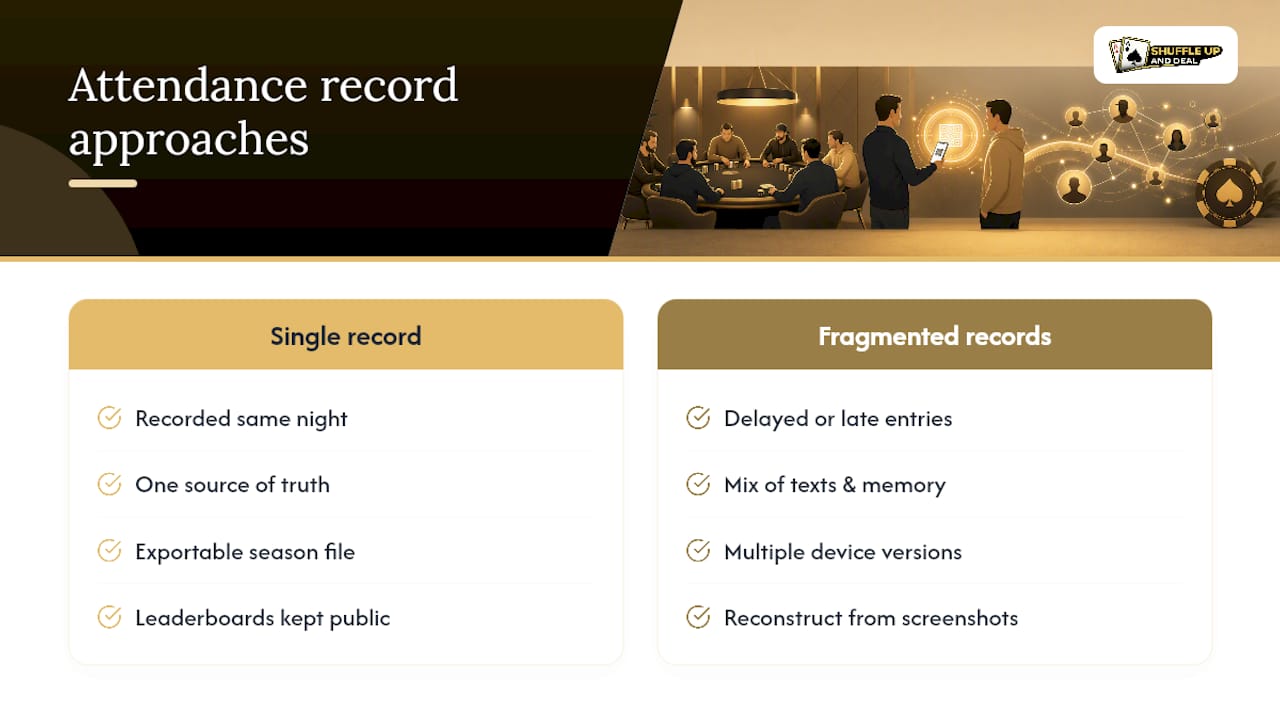
Keep leaderboards visible between events too. Players check standings out of habit once they exist somewhere public, and that habit alone does more for turnout than any reminder text.
Pro Tip: Watch for double entries when two organisers both mark the same player present from different devices. Pick one check‑in method per event, whether that’s QR scan or manual tap, and stick to it so the record only ever has one version of the truth.
Be careful with what you share publicly, too. Attendance history is useful for standings, but full contact details or payment records don’t belong on a leaderboard anyone can screenshot.
How Shuffle Up and Deal! covers the attendance workflow
Everything above maps directly onto features built into Shuffle Up and Deal!, which is exactly the point of building the workflow around a dedicated league app rather than a folder of spreadsheets.
- Shareable RSVP and check‑in links, including QR codes, so players confirm attendance without downloading anything extra.
- Player registration and profiles, giving you attendance history per player without digging through old messages.
- Season leaderboards that update as soon as results are entered, visible to the whole league between events.
- Attendance points templates, so bonus points and drop rules calculate automatically instead of by hand.
- Exportable attendance and standings reports, covering the same before‑and‑after‑event reporting a growing league needs.
- Multi‑device sync with offline support, so an organiser running check‑in on a phone and another entering results on an iPad stay in agreement in real time.
Pre‑event, that means sending the QR link the morning of game night. On arrival, it means a five‑second scan instead of a paper sheet. Post‑event, it means finishing positions feed the leaderboard the moment they’re entered, no separate spreadsheet required.
What actually keeps a poker league alive season after season
Leagues rarely die from bad rules. They die from nobody knowing the real standings, because three different versions of the truth exist across group chats and half‑finished spreadsheets. Keep one visible leaderboard and update it the night of every event, and most of the drama that kills home leagues simply doesn’t happen.
The temptation is to overengineer the points system before you’ve even nailed the basic habit of recording who showed up. Fix the habit first. Pick a workflow you’ll actually maintain at 11pm after a long session, not the one that looks best on paper at 9am the next morning.
- Jason
Get your league running on Shuffle Up and Deal!
Shuffle Up and Deal! is the alternative to juggling spreadsheets, group‑chat RSVPs and a separate scoring notebook: one app handles the QR check‑in, the leaderboard, and the exportable attendance record your league already needs. Every feature covered above, from shareable RSVP links through to automated attendance points and multi‑device sync, sits inside the same platform rather than three disconnected tools.
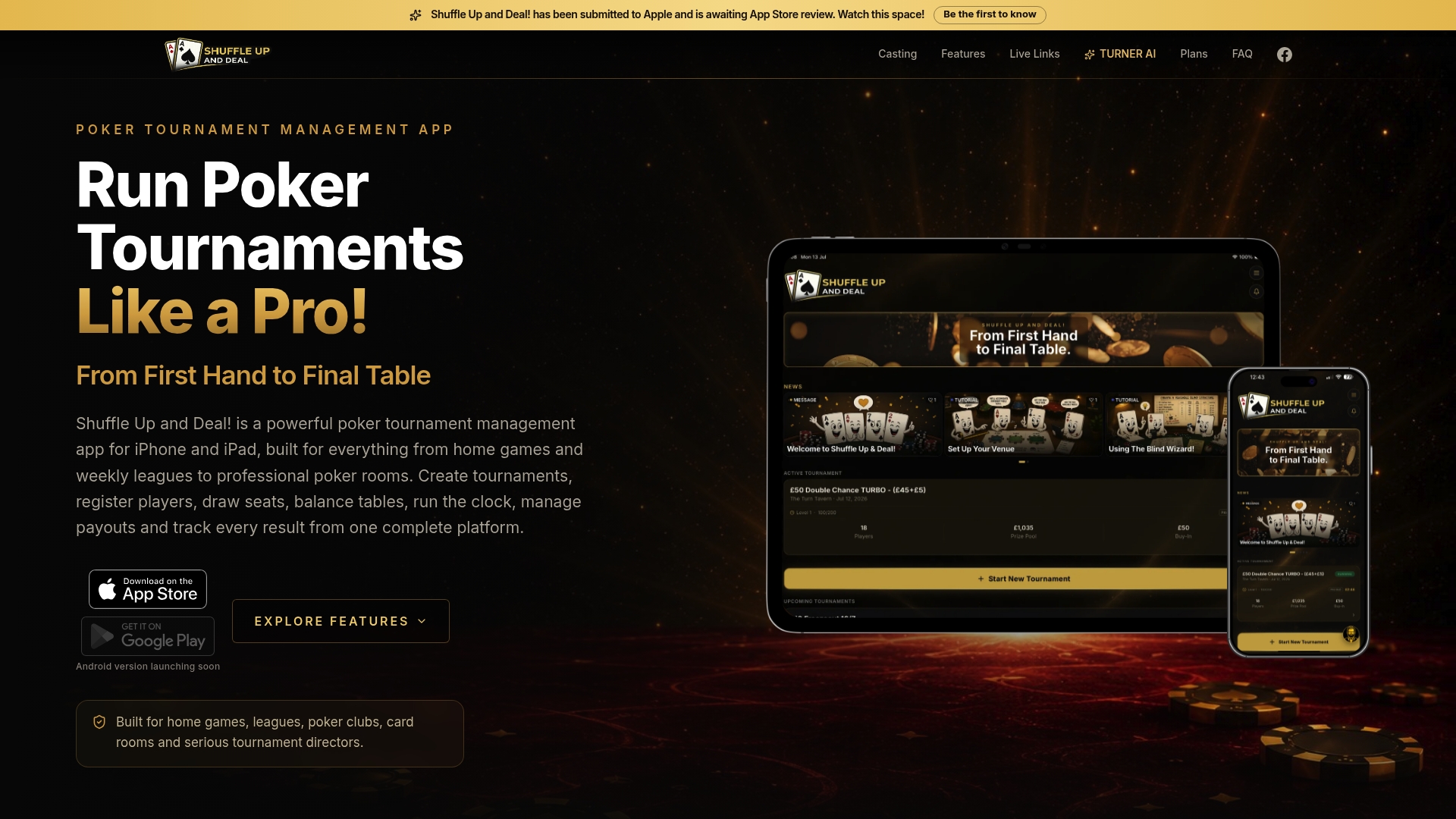
Start by signing up for a starter plan with no published price and use it to test the workflow before paying for anything. Import your player roster, create your first season, and run one game night through the full cycle: RSVP link out, QR check‑in on arrival, results entered before anyone leaves the table. If your league is growing past casual nights, a paid plan adds the reporting depth a bigger season demands. Head to Shuffle Up and Deal! to pick a plan, and browse the league season planning guide if you’re setting up your first full schedule.
Key documentation and reference pages for attendance features
For deeper detail on attendance report structures, see LeagueApps’ attendance reporting documentation and Team App’s attendance feature overview. Both are worth a read before you finalise your own export and filtering workflow.
Sources
- Team App | Attendance Tracking
- Attendance Report – LeagueApps
- LeagueTrackr - Easy Attendance & League Progress tracking
- How to run a poker league with friends: season & standings | PartyPot
FAQ
What is the best way to track poker league attendance?
A mobile RSVP or QR check‑in combined with a centralised league app that updates standings automatically, rather than relying on spreadsheets or memory alone.
How do attendance bonus points work in a poker league?
Most leagues award a flat, modest number of points for simply attending an event, separate from points earned by finishing position, to reward consistency across the season.
Should I use a spreadsheet or dedicated software for league attendance?
A spreadsheet can work for leagues of seven or fewer players on a simple schedule; anything larger or more frequent benefits from dedicated software with automated reporting.
How do I handle no‑shows and late arrivals?
Reconcile check‑ins against RSVPs the same night, mark no‑shows immediately, and note late arrivals separately so drop rules and attendance history stay accurate.
Does Shuffle Up and Deal! track league attendance and standings?
Yes, Shuffle Up and Deal! offers shareable RSVP and QR check‑in links, automated attendance points, live season leaderboards, and exportable attendance reports in one platform.
How often should I export attendance data?
Export after every single event rather than batching it monthly, since a missed export is the most common cause of disputed season standings.