
Poker Tournament Management App
Run Poker Tournaments Like a Pro!
From First Hand to Final Table
Seat draws, table balancing, the clock, payouts and league standings: Shuffle Up and Deal! runs the whole night from your iPhone or iPad.


3 Must Haves Every Organiser Needs for Poker Player Registration
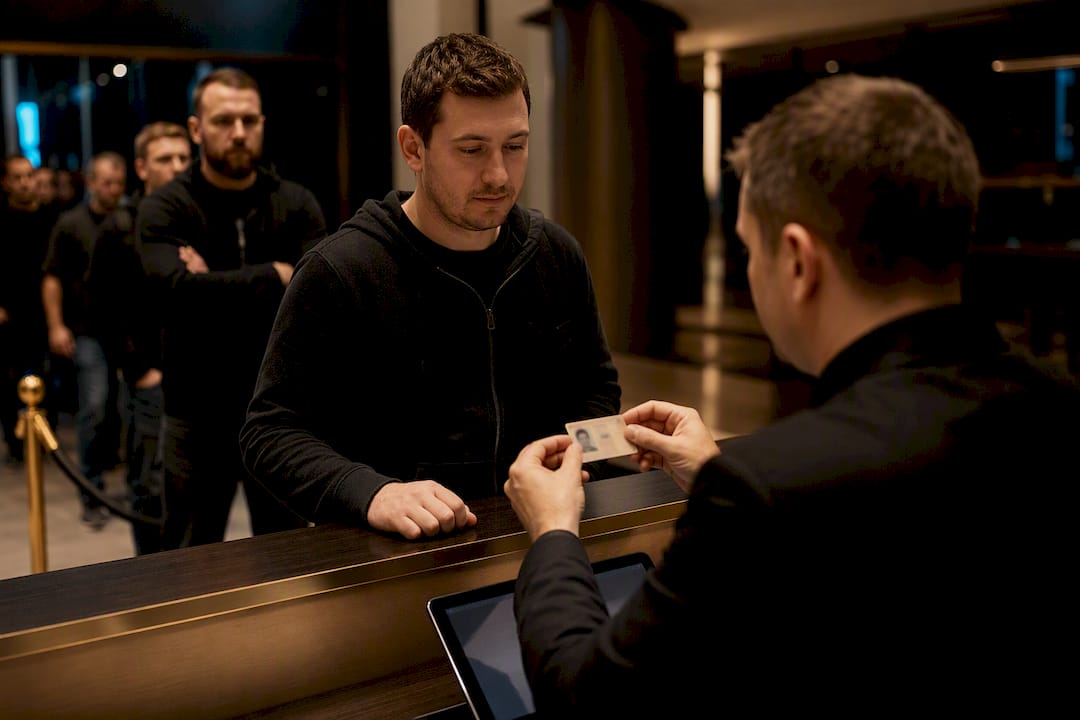
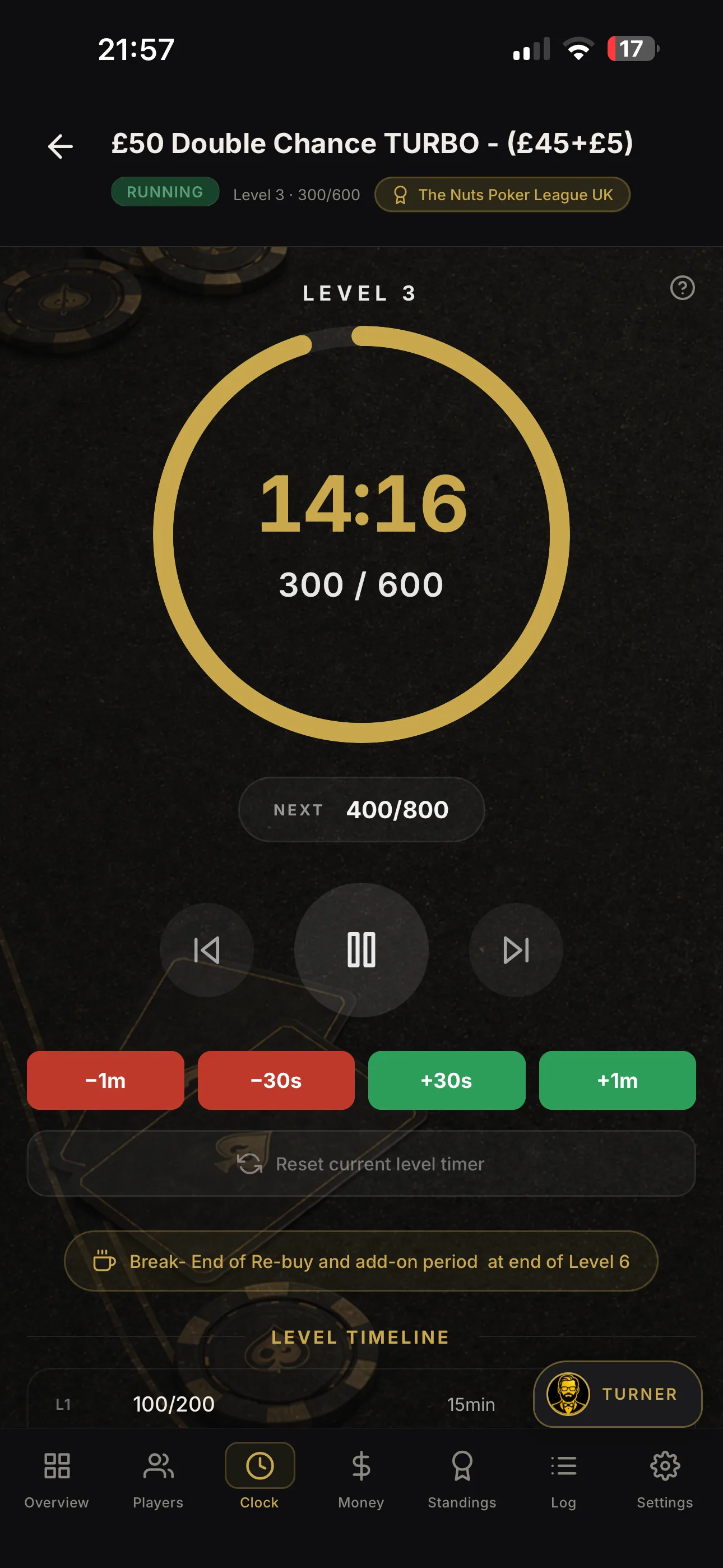
To register for a poker tournament, you need three things: a verified account or ticket, valid photo ID that matches your registration name, and the buy‑in paid through an accepted method. Get those right and the rest is logistics. Miss one, and you’ll be pulled aside at the desk while the clock keeps running on your table.
TL;DR:
- Matching your registration name, ID, and online account details exactly is crucial to avoid delays or disqualification at the desk.
- Online pre-registration often requires in-person verification before playing, so arriving early ensures faster check-in and seat allocation.
- Accepted IDs include passports, driver’s licenses, or national IDs, with supplementary documents needed if the ID lacks a current address.
- Payment methods vary by event and region, with card fees around 3 percent, so budget accordingly and keep transaction proof for smooth entry.
- Using systems like Shuffle Up and Deal! streamlines registration, reduces errors, and enables quicker seating and real-time updates during tournaments.
Table of Contents
- What you need for player registration poker: ID and account checklist
- Online pre‑registration vs on‑site sign‑up: which one actually finishes the job?
- How do you pay your buy‑in without hitting a snag?
- Collecting your player card and getting through check‑in
- When to arrive: verification timelines and late registration
- Fast fixes for the most common registration problems
- How Shuffle Up and Deal! streamlines registration for organisers and players
- Rules and etiquette during registration: queueing and dealing with staff
- Author perspective: three priorities to speed check‑in
- Skip the registration headaches with Shuffle Up and Deal!
- Where to confirm event‑specific rules
- Sources
- FAQ
What you need for player registration poker: ID and account checklist
Every major festival runs the same background check before it hands you a seat: does your identity match your entry? Get the paperwork sorted before you leave home, and the desk becomes a five-minute formality rather than a bottleneck.
Bring one of the following, current and unexpired:
- A government-issued passport
- A driving licence with a photo
- A national ID card (where accepted at that venue)
If your ID doesn’t show a current address, most organisers will ask for a second document, such as a recent utility bill or bank statement, to confirm where you live. WSOP requires a current, valid photo ID for every player, and it explicitly asks for a backup address document if your primary ID lacks one.
Age matters too. Poker tournaments generally require players to be at least 18 or 21 depending on the jurisdiction and venue, so check the local legal age before you book flights, not after you land.
The detail that trips up more players than any other: your registration name, your platform account name, and the name on your ID must all match exactly. Online platforms flag mismatches routinely during account verification, and a maiden name, a shortened first name, or a middle initial you dropped when signing up can hold your entry at the desk.
Online pre‑registration vs on‑site sign‑up: which one actually finishes the job?
Online pre-registration saves you a queue, but it rarely finishes the process on its own. Here’s the step-by-step reality for both routes.
- Create and verify your organiser account. For European Poker Tour events, that means a PSLive account; for WSOP, it’s a WSOP LIVE profile. Upload your ID and a photo where the platform asks for it.
- Reserve your seat or buy-in slot online, then store your digital ticket or confirmation in the platform’s app so you can pull it up on your phone at the desk.
- Understand that first-time online registrants usually still need in-person verification. WSOP’s own guidance confirms that new online registrants must finalise their registration at the on-site verification area before playing.
- For on-site sign-up, arrive with your confirmation email or ticket screenshot ready, your ID out, and your buy-in payment sorted before you reach the front of the line.
The pattern holds across most major festivals: online registration reserves your spot and speeds the desk interaction, but it doesn’t replace showing your face and your ID at least once.
How do you pay your buy‑in without hitting a snag?
Buy-ins get paid a handful of ways, and knowing which ones a specific event accepts saves you an awkward moment at the front of the queue.
- Cash or chips purchased at the cage
- Debit or credit card at the registration desk or online
- Platform wallets, such as a Stars Account for EPT events or a WSOP Paris TA balance
- E-wallets or wire transfers for larger buy-ins arranged in advance
EPT events require all players to hold a PSLive account, and accepted payment methods vary by event, some take cash or chips only, others allow Stars Account deposits or cards. Regional restrictions apply too, so confirm your card type works before travelling.
Card fees are worth budgeting for. WSOP notes a fee of roughly 3% on credit and debit card payments in some cases, so a $1,000 buy-in on plastic could cost you an extra $30 you didn’t plan for.
Keep your payment receipt or a screenshot of the transaction. If your buy-in doesn’t show up on the desk’s system, that proof is what gets you seated without a second charge.
Collecting your player card and getting through check‑in
Your player card is your festival passport. It’s what gets scanned or checked at every event you enter for the rest of the series, so collecting it the moment you arrive saves you standing in the same queue five times over.
- Pre-registered players usually collect a printed or digital ticket at a dedicated desk, separate from the general registration line.
- WPT’s onboarding process has players create a profile, upload a photo, and sign release forms in advance, so staff can verify you quickly and mark your card as verified on arrival.
- Once activated, that card follows you across every event on the schedule, no repeat paperwork.
Collect it on day one, even if your first event isn’t for another day or two.
When to arrive: verification timelines and late registration
Timing your arrival right avoids two problems at once: long queues and missing late registration entirely.
- Arrive early on your first day. Registration desks typically open one to two hours before the day’s first tournament, with main events often opening desks two hours ahead, according to EPT’s own scheduling.
- Know your late registration cut-off. Most tournaments allow entry, and rebuys, for a set number of levels after the start, but that window closes fast in turbo formats.
- Understand seating order. Pre-registered players are usually assigned tables before the desk opens; walk-ins get seated as they check in, often at whichever table has an open spot.
Verified early, seated fast. Turn up in the last twenty minutes of late registration and you’re at the mercy of whatever seat is left.
Fast fixes for the most common registration problems
- Name mismatch: head straight to the registration desk, bring a second form of ID, and have your payment confirmation ready to explain the discrepancy.
- Expired ID: ask whether the venue accepts an alternative document on the spot; some do, most don’t, so this is one to solve before you travel.
- Payment not showing up: show your transaction receipt or app screenshot to the cashier or support desk. Staff can usually reconcile it without charging you twice.
- Blocked by geo-restrictions online: check platform availability for your region before booking travel, and contact organiser support directly if your account won’t load.
Pro Tip: Photograph your ID, your registration confirmation, and your payment receipt before you leave for the venue. Having them on your phone, separate from the physical documents, means one lost wallet doesn’t cost you your seat.
How Shuffle Up and Deal! streamlines registration for organisers and players
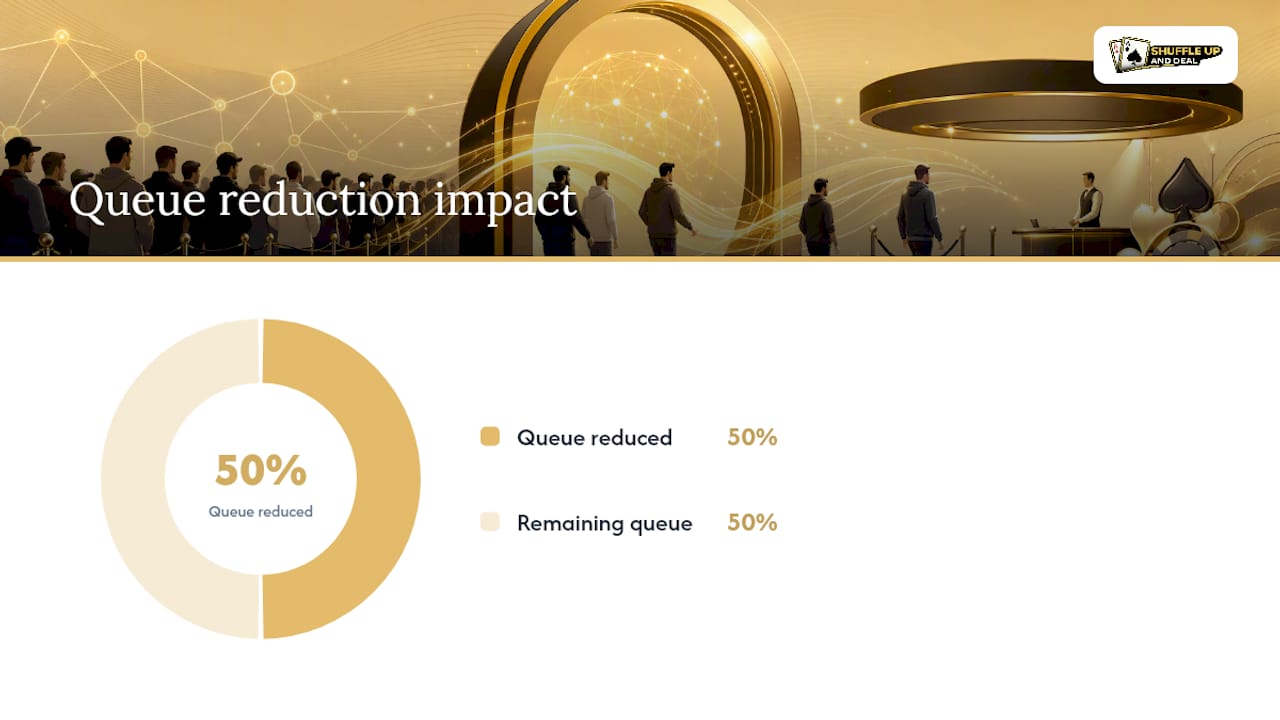
Every problem covered above, mismatched names, slow desks, lost tickets, comes down to one thing: organisers managing player data by hand. Shuffle Up and Deal! replaces that with a single system built around player profiles, smart seating, a live tournament clock, and shareable ticket links that players can pull up on their own phones.
For a tournament director, that means:
- A centralised, verified player list instead of scattered spreadsheets or paper sign-in sheets
- Faster seating the moment a player checks in, thanks to the app’s balancing algorithms
- Fewer manual entry errors, because the same profile carries through registration, seating, and payouts
- Real-time updates across every device running the event, even across multiple simultaneous tournaments
Registration chaos usually isn’t a staffing problem, it’s a systems problem. Give every desk the same live player list and half the queue disappears on its own.
Home game organisers and card rooms can see this in action on the Shuffle Up and Deal! product page, where the free plan is available to test before upgrading.
Rules and etiquette during registration: queueing and dealing with staff
Registration desks run on a rhythm, and players who understand it move through faster than those who fight it.
Queue in the order the desk directs, even if there are separate lines for pre-registered players, walk-ins, and cashier transactions. Jumping between lines because one looks shorter almost always slows you down, since staff are trained to redirect you back to the correct queue.

Have your documents out before you reach the front. Fumbling for your ID or hunting through your phone for a confirmation email while the line waits behind you is the single most common cause of desk delays that have nothing to do with the organiser’s system.
Be direct and patient with staff. Registration teams process hundreds of players in a short window, and they’ve seen every version of a name mismatch or payment query before. State your issue plainly, hand over whatever documentation you have, and let them work through their process rather than arguing about why the rule exists.
If a dispute arises, a payment that hasn’t posted, a card that doesn’t match, ask to speak to a supervisor calmly rather than raising your voice at the desk. Most venues have an escalation path for exactly this, and shouting rarely gets you seated faster.
Finally, respect the physical space. Festival registration areas get crowded fast, especially an hour before a marquee event. Keep your bags close, don’t block the desk once your business is done, and let the next player step up.
Author perspective: three priorities to speed check‑in
Verified account, matching ID, payment ready. Skip the panic; those three, sorted early, solve nearly every registration delay organisers see, whether it’s a $50 home game or a major festival main event.
- Jason
Skip the registration headaches with Shuffle Up and Deal!
Shuffle Up and Deal! is the practical alternative to the spreadsheet-and-clipboard chaos most home games and small card rooms still run on, faster check-in, fewer disputes at the desk, no separate systems to reconcile after the fact. Every point covered in this guide, matching names, verified accounts, fast seating, real-time updates, is exactly what the app is built to handle for organisers running anything from a weekly league night to a multi-table festival.

The smart seating and live tournament clock work together so players get seated the moment their details are confirmed, no manual table charts, no shouting numbers across the room. League organisers running recurring events can also lean on the built-in season planning tools to keep player profiles consistent week after week.
Try the free plan and see how registration runs on the Shuffle Up and Deal! product page, or check the best poker tournament app comparison to see exactly how it stacks up against the manual process you’re running now.
Where to confirm event‑specific rules
- WSOP registration: ID rules, account setup, and on‑site verification.
- EPT buy‑in and registration: PSLive account and payment methods.
- Gibraltar remote gambling guidance: jurisdictional account and licensing rules.
- RG Check accreditation: responsible gambling standards and support.
Sources
FAQ
What is the 80/20 rule in poker?
It’s the idea that a small share of decisions, usually the biggest pots and toughest spots, account for most of your results, so spending extra study time on those situations pays off more than grinding every minor decision equally.
Do you need a high IQ to play poker?
No. Poker rewards pattern recognition, discipline, and bankroll management far more than raw intelligence, and plenty of consistently profitable players have never taken an IQ test in their life.
Can I make a living playing poker online?
Some players do, but it demands strict bankroll discipline, consistent volume, and the ability to handle long losing stretches without going on tilt, which is why most serious players treat it as a skilled side income rather than a guaranteed salary.
Are you allowed to show people your cards in poker?
Showing your cards to another active player during a hand is against the rules at nearly every organised tournament, and can result in a penalty; showing after you’ve folded, or to the whole table once the hand is over, is generally fine.
Do I need to register online before arriving at a live event?
Not always, but pre-registering through the organiser’s account system, such as a PSLive or WSOP LIVE profile, usually reserves your seat and speeds up your desk interaction even though first-time registrants still need in-person ID verification.